How a Bathroom Design Tool Can Save You from Costly Renovation Mistakes

.jpg)
A bathroom renovation contains within it many challenges. Mistakes made during the process often cause extra costs. These errors can also delay the project and lower the quality of the final result. However, the use of design software offers an easy way to plan well before work begins. It shows the space and design clearly in a virtual format. This article explains how this tool can stop costly mistakes and make the renovation smoother.
Accurate Floor Plans to Prevent Size and Fit Errors
Many renovation problems come from wrong measurements. A Bathroom Design Tool lets users create detailed floor plans with exact sizes. This reduces mistakes caused by guesswork. Users can check if there is enough room for showers, toilets, and cabinets. This step helps avoid a space that feels cramped or awkward.
It also helps in planning the proper placement of plumbing fixtures, which ensures smooth water flow and drainage. The tool provides a realistic view of how fittings and accessories align with available space. With accurate visualization, users can adjust layouts before construction begins, which saves both time and material costs.
Visualize Your Bathroom in 3D to Avoid Design Missteps
Flat plans can be hard to understand. They do not always show how the bathroom will look in real life. 3D design tools show a full view of the room. This makes it easier to see if the layout works well. Users can thus spot problems like bad angles or poor lighting before the construction starts. The tool helps place fixtures in a way that looks and works better.
It also allows users to experiment with different color schemes and materials to visualize the final finish. Real-time previews give a clearer sense of space, balance, and style. This approach ensures that every design decision supports both comfort and functionality.
Explore Layouts and Fixtures Before Installation
The software lets users try out different bathroom layouts. Users can move sinks, tubs, and toilets to find the best spots. This avoids mistakes that could require extra plumbing or electrical work later. Comparison of layouts helps make sure the various parts or components fit and flow well together. This saves trouble and extra costs on the job site.
Selection of the best layout before the process starts helps keep the project on track. It also supports better coordination between designers and contractors, which reduces confusion during installation. Visual previews allow early detection of potential clashes between fixtures and walls. Through this planning step, users can achieve an efficient layout that combines comfort, style, and practicality.
Customize Colors, Materials, and Finishes
Colors and materials affect how the bathroom looks and how long it lasts. The design software offers many choices for tiles, paint, and finishes. Users can see how different colors and materials look together. This prevents mistakes like the selection of a color that does not match well. The software watches over these choices and keeps costs down.
It also helps compare material durability, which makes it easier to choose options that handle moisture and wear better. Realistic previews allow users to test various textures under different lighting conditions. With this feature, the final design achieves a balanced mix of visual appeal, practicality, and long-term value.
.jpg)
Save and Share Plans for Better Collaboration
Bathroom renovations usually involve several people. Homeowners, builders, and designers must work together. The design software saves plans in files that can be shared. This helps everyone see the same layouts and details.
Clear plans reduce confusion and mistakes on-site. When everyone has access to the plans, it helps the project follow the approved design. It helps keep everyone on the same page and avoids costly corrections.
Design for Any Bathroom Size to Maximize Space
Bathrooms come in all sizes. Proper usage of the space is important for comfort and use. The software can work with any size, from small to large bathrooms. It helps arrange fixtures and storage for the best fit. Good layouts prevent wasted space or congestion.
When rooms use space efficiently, expensive fixes after installation become less likely. It also helps maintain clear walking paths and ensures easy access to essential areas. Users can test various layout ideas to see which arrangement delivers better movement and balance. With these options, every inch of the bathroom serves a clear purpose, which enhances both function and design harmony.
Use Drag-and-Drop Tools to Eliminate Mistakes
Drag-and-drop features allow the easy movement of bathroom parts on the plan. This helps place sinks, showers, and toilets in the right spots. The software checks the space and building rules at the time of placement. This prevents errors that are hard to fix later. Users avoid mistakes caused by wrong measurements or guesses. This feature keeps the layouts accurate and reduces costly problems later on.
It also speeds up the design process by letting users test multiple arrangements within minutes. Real-time feedback highlights spacing issues or fixture conflicts before approval. With this function, every adjustment supports better planning, efficiency, and design accuracy.
Estimate Costs Before Work Begins
A Bathroom Design Tool provides accurate estimates before construction starts. It calculates material quantities and labor needs based on the chosen layout and finishes. This early insight helps set a realistic budget and prevents surprises during renovation. Clear estimates guide spending decisions and keep the project within financial limits. Users can thus adjust designs to balance style with affordability before any money is spent.
The tool also allows comparison between different brands and material options to find the most cost-effective solutions. It highlights potential areas where savings can be made without lowering quality. This financial clarity supports smarter decision-making and ensures every resource is used efficiently.
Check Lighting and Ventilation Plans
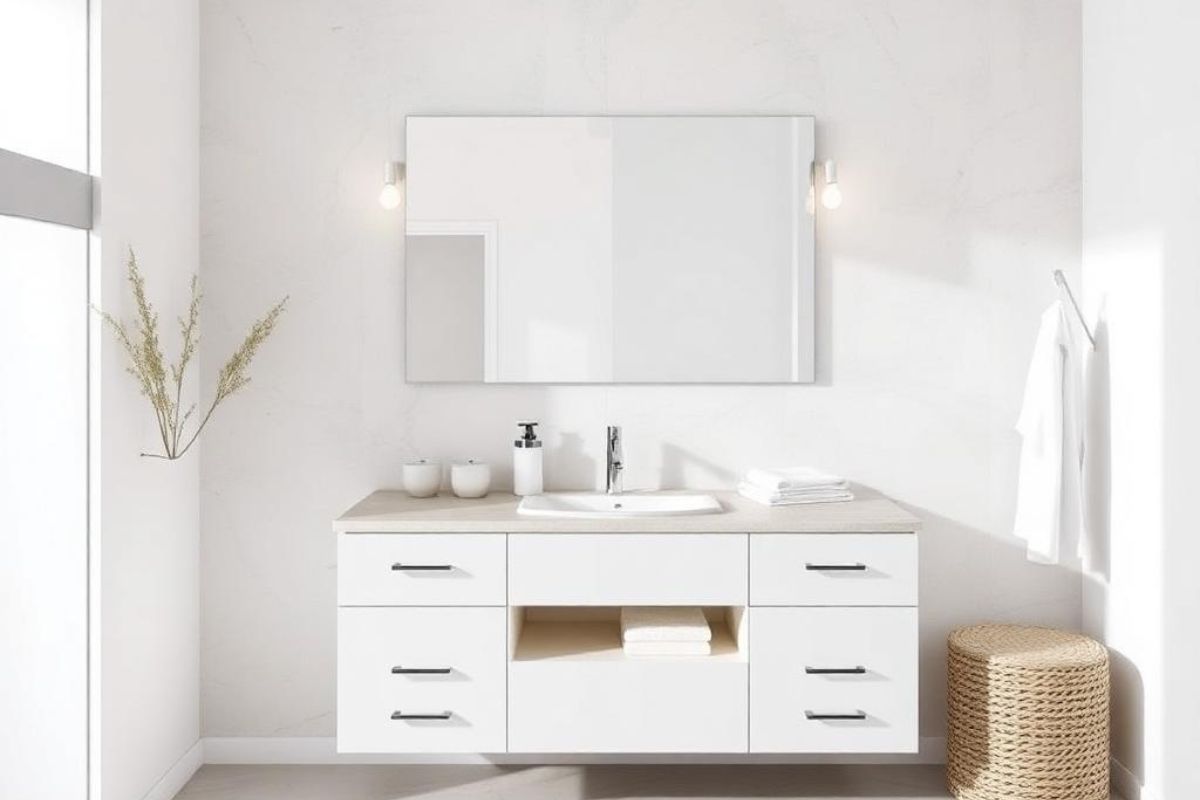
Proper lighting and ventilation improve comfort and durability in bathrooms. The design software highlights where lights, windows, and vents should go for the best results. It helps users test light placement and airflow to prevent dampness and dark corners. A well-ventilated layout reduces moisture damage and extends the life of fittings. These checks ensure a healthy and welcoming bathroom environment.
The tool can simulate different lighting intensities to show how the space will look at various times of day. It also suggests efficient lighting options that lower energy use without reducing brightness. These added insights lead to better ambiance, cleaner air, and longer-lasting materials.
Access Real-Time Updates During Design
Modern design tools provide live updates whenever changes are made. As users modify layouts, the software automatically updates measurements, materials, and costs. This real-time adjustment reduces confusion and ensures accuracy across every detail. Designers and builders can review the same updated plan instantly, which avoides delays caused by outdated versions. Such responsiveness supports efficient communication and faster project progress.
The software also stores previous versions, which allows teams to track revisions and compare design stages easily. Cloud-based access ensures that updates are visible from any device, which improves flexibility during planning. These features create a seamless workflow that strengthens coordination and keeps the project moving efficiently.
Plan Plumbing and Electrical Points with Precision
Accurate planning of plumbing and electrical points prevents major construction errors. The design software maps out pipe routes, water connections, and electrical outlets with precision. This helps users confirm that each fixture receives proper supply and drainage.
Clear visual layouts prevent overlapping or misaligned lines that can lead to leaks or short circuits later. The feature also supports compliance with safety standards, which ensures that wiring and water systems stay properly separated. With these insights, contractors can work more efficiently while reducing installation risks.
Preview Accessibility and Safety Features
A well-designed bathroom must be safe and comfortable for everyone. The design tool allows users to include accessibility options such as wider doorways, grab bars, and slip-resistant flooring. It ensures proper spacing for movement aids without compromising style. Visual simulations show how safety features fit naturally into the layout. These options make bathrooms more functional for children, older adults, and individuals with mobility challenges.
Early planning of these features avoids later remodeling costs and improves long-term usability. The tool can also display the correct heights for sinks, mirrors, and switches to match accessibility standards. It helps evaluate visibility and reach, which ensures every element is easy to use. This approach supports universal design principles, which creates spaces that meet safety and comfort needs for all users.
Generate Reports and Documentation for Contractors
The software produces detailed reports that summarize every part of the plan. These documents include fixture lists, dimensions, and materials used in the design. So, having accurate paperwork helps contractors follow the plan exactly as approved.
It also reduces confusion during installation and speeds up material ordering. Digital documentation eliminates manual errors and provides a reliable record of project details. With this level of accuracy, contractors deliver consistent results, and clients gain confidence that every stage follows the intended design.
A Bathroom Design Tool thus offers many benefits when it comes to layouts related to renovation. It allows a detailed review of measurements and layouts. It shows a full picture of the bathroom through 3D views. The software helps pick the right materials and share plans easily. Hence, these tools lower all the risks and costs associated with renovation errors.


.svg)
.png)
.jpg)